
Forward or delegate a signature request? A sender checklist
Handle a deliberate signer change with a request-status worksheet, provider-control caveats and a worked handoff example.

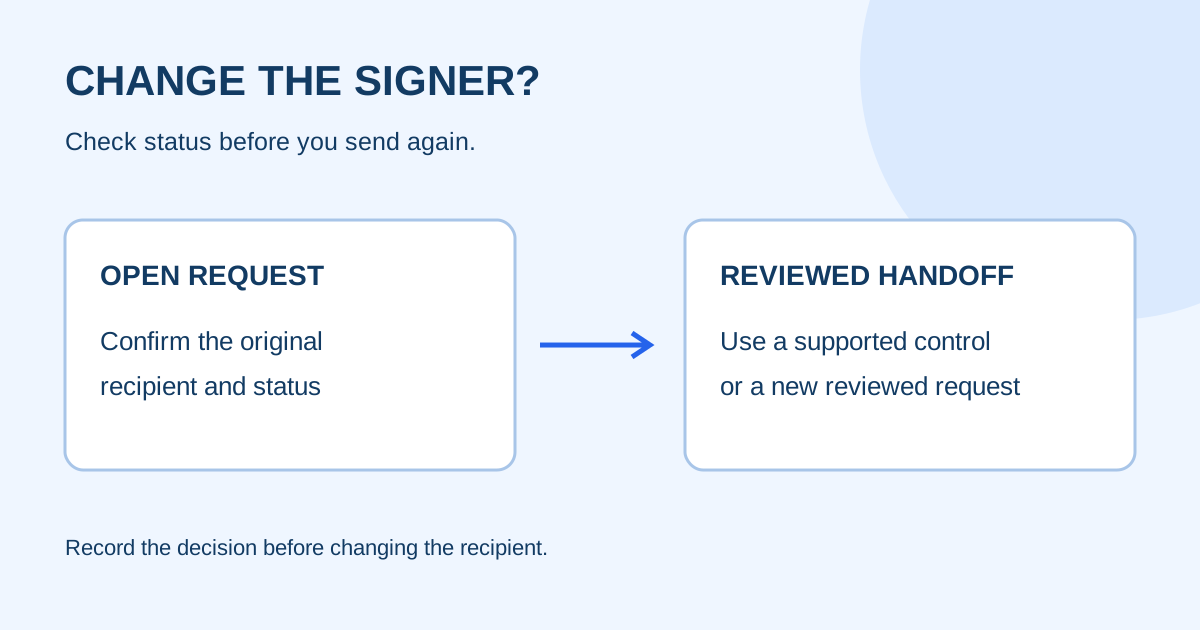
To send a signature request to someone else, ask the sender to confirm the new recipient and use the signing provider’s documented delegation or replacement control. Forwarding the invitation alone does not change the intended signer. First check whether the request is still open and record what will happen to the original invitation.
This checklist is for small teams handling a recipient change. It describes an operational handoff, not legal advice about who may sign an agreement.
Separate a deliberate handoff from a wrong address
A wrong-email correction fixes a destination error. A deliberate handoff changes the person expected to complete the action. Those are different events and should have different notes.
| Situation | First question | Safer next step |
|---|---|---|
| Address contains a typo | Is the intended person still the signer? | Follow the wrong-email correction checklist |
| Intended signer is unavailable | Has the sender confirmed the replacement? | Pause and record the replacement decision before changing the request |
| Another colleague will manage follow-up | Does that colleague need to sign or only track status? | Transfer ownership in the team register; do not add a signature field by default |
| Recipient asks someone else to act | Does the provider document delegation or recipient replacement? | Use the documented control, or restart with a reviewed request |
Do not treat forwarding a private signing link as proof that the new person is the intended recipient. The sender should confirm the change through the team’s normal channel.
Record the request before changing it
Capture a small handoff record before taking action. Keep private links and customer document contents out of shared notes.
| Field | What to record |
|---|---|
| Request reference | Internal name or reference, plus current status |
| Original recipient | Name and checked address |
| Proposed recipient | Name, role and checked address |
| Reason | Availability, role change or address correction |
| Decision owner | Person who confirmed the change |
| Next action | Replace, delegate, cancel and restart, or wait |
| Verification | How you will confirm the intended person completed the request |
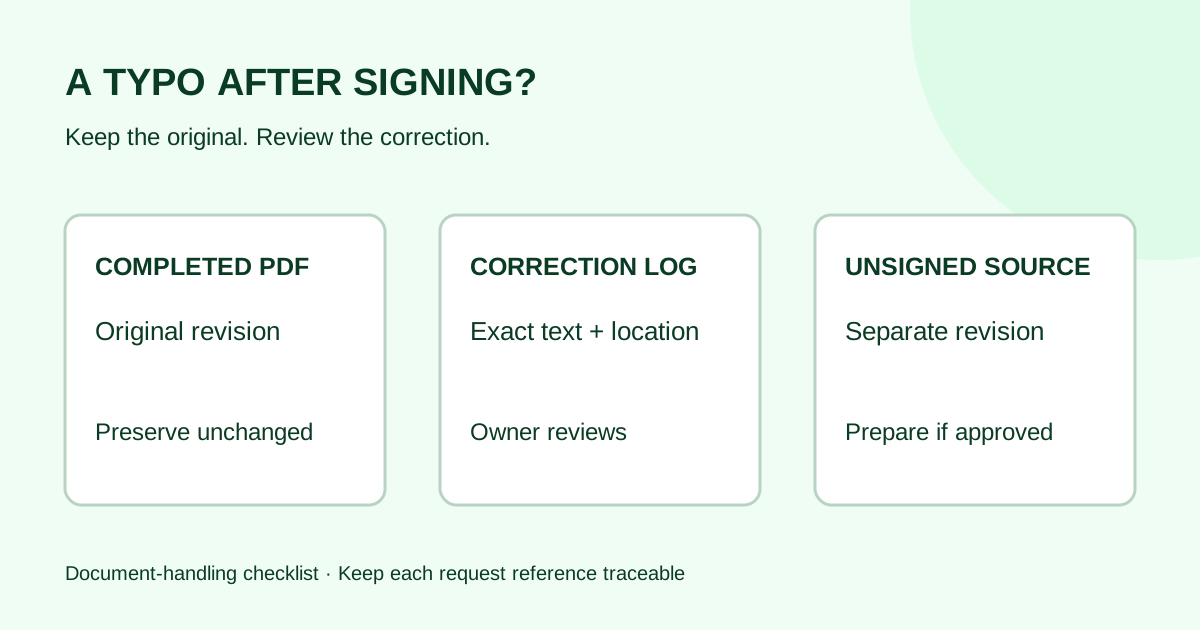
If the request is already completed, preserve that record and start a separate correction or replacement workflow. Do not silently rewrite the history of a finished request.
Compare provider controls carefully
Providers use different names for recipient changes. Adobe Acrobat Sign documents recipient delegation and sender-controlled recipient replacement as separate controls. Delegation passes the recipient’s role to another person when enabled; replacement changes a current recipient through the sender’s management controls. Availability depends on the agreement and account settings. Read the documentation for the provider you use and confirm whether the action keeps the same request, creates a new notification or requires the sender to intervene.
That vendor guidance is a workflow example, not evidence that Demand Signatures supports delegation, replacement or forwarding controls. Check the live product before promising any of those actions to a customer.
Worked example: an unavailable client approver
A two-person agency sends an approved website-maintenance SOW to Maya, the client operations contact. Maya is traveling and confirms that Jordan, the client owner, should complete the request instead.
The sender records the request reference, Maya’s original address, Jordan’s checked address and Maya’s confirmation. The sender then checks whether the chosen provider offers a documented recipient replacement or delegation control. If it does, the sender previews the updated recipient and records the resulting status. If it does not, the sender keeps the original request as the historical record, follows the provider’s supported cancellation or restart process, and reviews the new request before sending.
| Checkpoint | Pass condition |
|---|---|
| Identity | Jordan’s address was confirmed through an approved channel |
| Authority | The team recorded who approved the change |
| Request state | The original request is clearly open, completed or cancelled |
| Recipient setup | Only the intended person receives the new signing action |
| History | The reason and relationship between old and new requests are recorded |
| Completion | The sender verifies the final request, rather than assuming the handoff worked |
The agency does not forward Maya’s private invitation to Jordan as a shortcut. It uses a documented recipient control or a reviewed replacement request.
Test the handoff with a sample document
Use a synthetic PDF and addresses you control before relying on an unfamiliar recipient-change setting.
- Create a sample request with one intended signer.
- Record the original recipient and request status.
- Apply the documented delegation or replacement action, if available.
- Confirm which person receives the notification and which fields they must complete.
- Finish the sample request and check the completed copy and request history.
- Record the result and the owner for a real handoff.
A successful notification does not prove that the new person received the right document or that the original request has the expected status. Check both outcomes.
Common questions
Can I just forward the signature email?
Treat forwarding as a message handoff, not a recipient change. Confirm the provider’s supported process and the intended signer before sending a new invitation.
Should I add the replacement person as another signer?
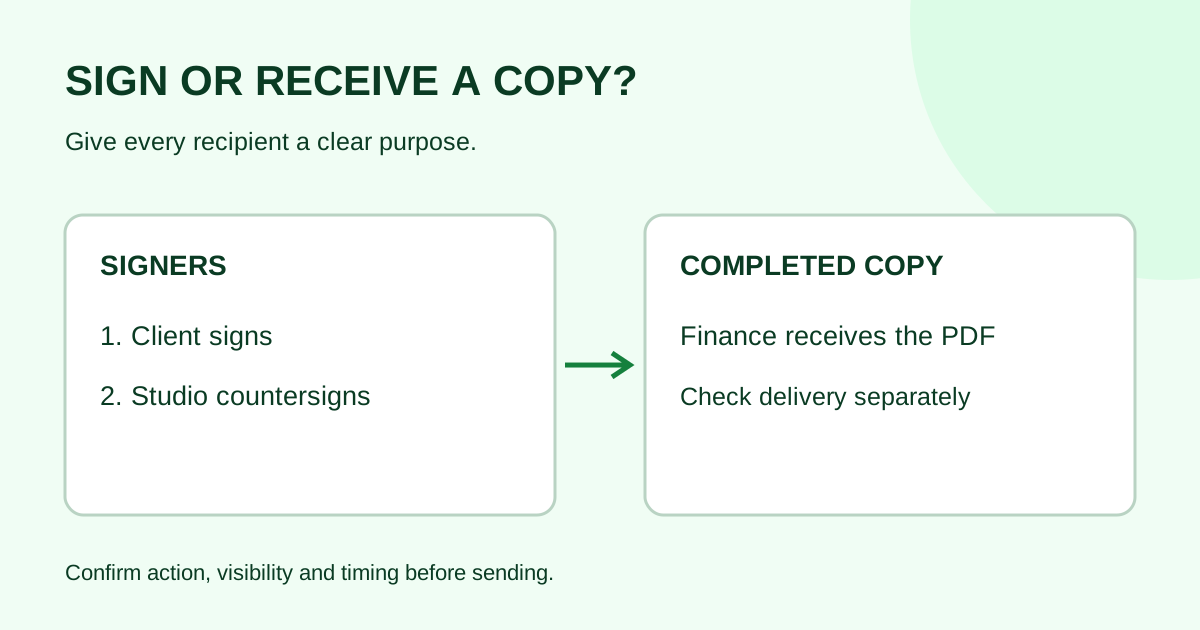
Only if the approved workflow requires another signing action. Adding a signer to obtain a new destination can leave the wrong person in the request or create an unintended obligation.
What if the original recipient already signed?
Preserve the completed request. Ask the document owner to decide whether a separate correction or replacement is needed, then link the new record to the original in your register.
How do I avoid duplicate requests?
Write down the status first. Keep one owner for the decision, and do not send a replacement until the team knows what happens to the original request.
Prepare the next send
Confirm the person, request state and supported recipient control before changing a signing request. Use the worksheet above to keep the recipient change and the original request connected.
Sources checked October 29, 2026: Adobe delegation, Adobe replace a recipient, and Adobe manage agreements. These sources describe provider-specific controls and do not establish Demand Signatures feature parity.
Review Demand Signatures features, or upload a document in Demand Signatures to prepare a request; sign-in is required.
Comments
Questions and notes from readers. Every comment is reviewed before it appears.
Comments are unavailable right now. Please try again later.
Leave a comment