
How to organize completed signed documents so your team can find them
Use a consistent filename, a simple document register and a teammate retrieval check to organize completed signed contracts and their signing records.

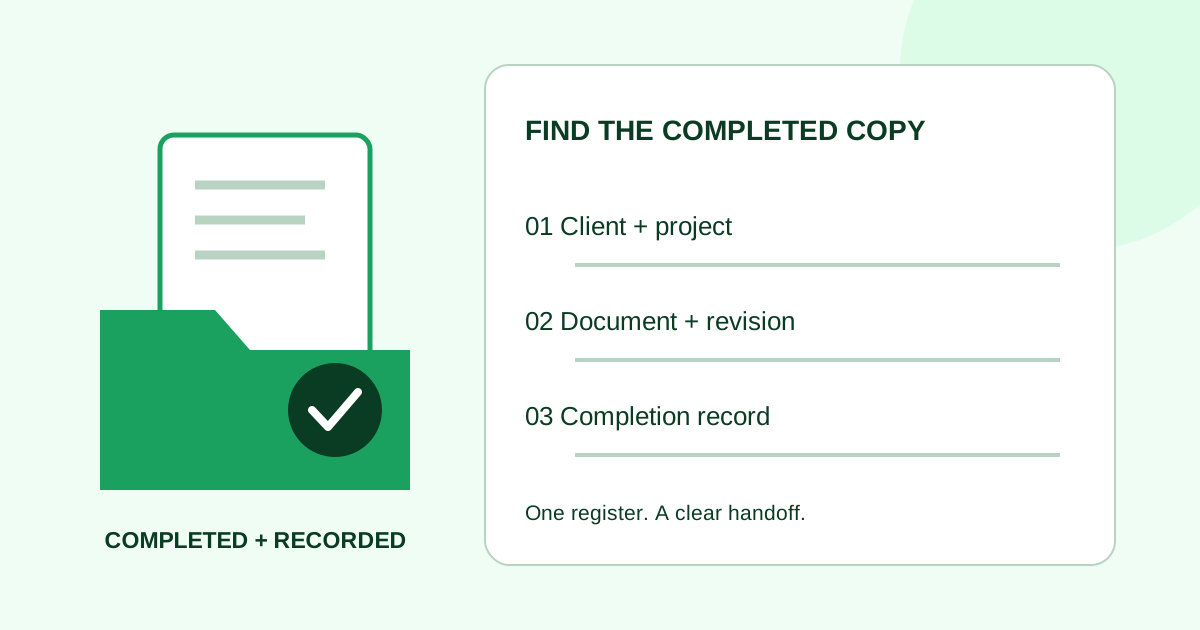
Save completed signed contracts in a shared, access-controlled location using one filename pattern, then record the file location and signing-request identifier in a small register. Keep the downloaded signing record intact and make sure a teammate can retrieve the correct copy without searching your inbox.
For a small agency or service firm, the practical question is simple: “Which completed document covers this job?” The filing example below answers that question without requiring a new records-management system.
Confirm that you have the completed copy
Start from the signing service's completed request, not the PDF you originally uploaded. Check the request status and open the downloaded document. Confirm the client, project, document title and expected signatures against the request before filing it as completed.
If a required signer has not finished, keep the request in your pending-work list. A filename ending in signed does not establish that everyone has signed. Use the signature reminder checklist when a request still needs follow-up.
Collect the completion certificate or audit report when your service provides one. It may be included in the PDF or offered separately. For example, Adobe Acrobat Sign documents a separate Download Audit Report action. Follow the available controls in your service rather than assuming every download contains the same records.
Use one filename pattern
Here is an editorial filing convention for a fictional agency. It is a suggested team practice, not a required contract format:
client-project-document-revision-completed-date.pdf
Example: c104-p027-sow-r02-completed-2026-10-06.pdf
| Part | Example | Meaning in this filing system |
|---|---|---|
| Client | c104 |
Internal client code, matched to the client register |
| Project | p027 |
The specific job, so repeat work stays separate |
| Document | sow |
Statement of work; use a short, agreed vocabulary |
| Revision | r02 |
The document revision that was sent and completed |
| Status | completed |
Completion checked against the signing request |
| Date | 2026-10-06 |
Completion date shown by the service, not the download date |
The National Archives' file-naming guidance recommends descriptive, consistent names and keeping components such as dates and versions in the same position. That guidance addresses federal records; the example here borrows the organizational principle for a small-team workflow.
Write down what each part means. If your approved document has no revision label, choose a convention for that case rather than guessing a version number. Keep request identifiers in the register so two requests with similar filenames can still be distinguished.
Use short names and avoid putting personal identifiers or confidential deal details in filenames. Store the client-code mapping in the appropriate restricted location. Do not rename a downloaded PDF's extension or change its contents just to make the archive look tidy.
Separate preparation from completed records
For each project, use a shallow folder structure that teammates can understand:
preparation: working drafts and the source used for the signing request.completed: the downloaded completed PDF and related completion records.
In this example, the completed SOW sits in clients/c104/p027/completed/. A separately downloaded audit report can use the matching base name with an audit suffix. If the service supplies a combined file, keep that file intact; you do not need to split it to fit this convention.
A later signed amendment gets its own record. Do not overwrite the original SOW with a newer file merely because both relate to the same project. The change-order signing guide covers identifying the revision before it is sent.
Keep a small document register
A filename describes a file. A register connects it to the work. Use your existing project tool or a restricted spreadsheet with one row per completed request.
For the fictional c104/p027 project, a row might look like this:
| Register field | Example entry |
|---|---|
| Document | Website statement of work, revision 2 |
| Signing request | sample-request-027 — illustrative identifier |
| Completed date | 2026-10-06, as displayed by the signing service |
| Completed copy | Link to c104-p027-sow-r02-completed-2026-10-06.pdf in the project folder |
| Supporting record | Link to the audit report, or note that it is included in the downloaded file |
| Related document | Link to the project brief; later amendments get separate rows |
| Filing owner | Project operations role responsible for checking the row |
Link to the stored completed copy, not an invitation URL intended for a signer. Check the permissions on the destination: a link that works only for the original sender is not a usable team handoff.
Run a retrieval check
Ask an authorized teammate who did not send the request to find the completed SOW for c104/p027. They should be able to:
- Locate the register row from the client and project identifiers.
- Open the completed PDF and match its title and revision to the row.
- Find the associated completion record.
- Distinguish the completed document from a working draft or a later amendment.
If they need your inbox, fix the location or permissions. If they find two plausible copies, compare the request identifiers and contents before deciding which entry describes which file. Do not delete records just to remove ambiguity.
Common filing questions
Should the date be the signature date or the download date?
In this convention, use the request's displayed completion date and document that choice. Record a download date separately if it matters to your process. Do not infer completion from a file's “last modified” timestamp.
Is a completion email enough?
Use it as a notification, then verify the completed document and the records available from the signing service. An email attachment or link needs the same content and access checks as any other handoff.
How long should we keep signed contracts?
This guide does not set a retention period. Use the retention policy applicable to your organization and document type; route retention or deletion decisions to the person responsible for that policy.
Where does Demand Signatures fit?
Demand Signatures' features page describes an audit log of signing events and completion certificates on finished documents, checked October 6, 2026. The folder structure and register above are suggested practices for your own storage system, not claims about built-in filing automation.
For your next request, upload the approved PDF in Demand Signatures — sign-in required — and choose the filing owner before you send it.
Sources reviewed October 6, 2026: National Archives file-naming guidance, Adobe Acrobat Sign audit-report instructions, and the live Demand Signatures features page.
Comments
Questions and notes from readers. Every comment is reviewed before it appears.
Comments are unavailable right now. Please try again later.
Leave a comment