How do I sign a document sent to me?
Review the document and complete the required fields, then finish the confirmation step. Filling fields alone does not finish signing.
Updated
Review the document and complete the required fields, then finish the confirmation step. Filling fields alone does not finish signing.
If the consent information will not open, stop and contact the sender.
Steps#
- Open the signing invitation addressed to you; check the displayed signer identity.
- Review the document. If an electronic-records consent prompt appears, read its linked information and continue only if you agree.
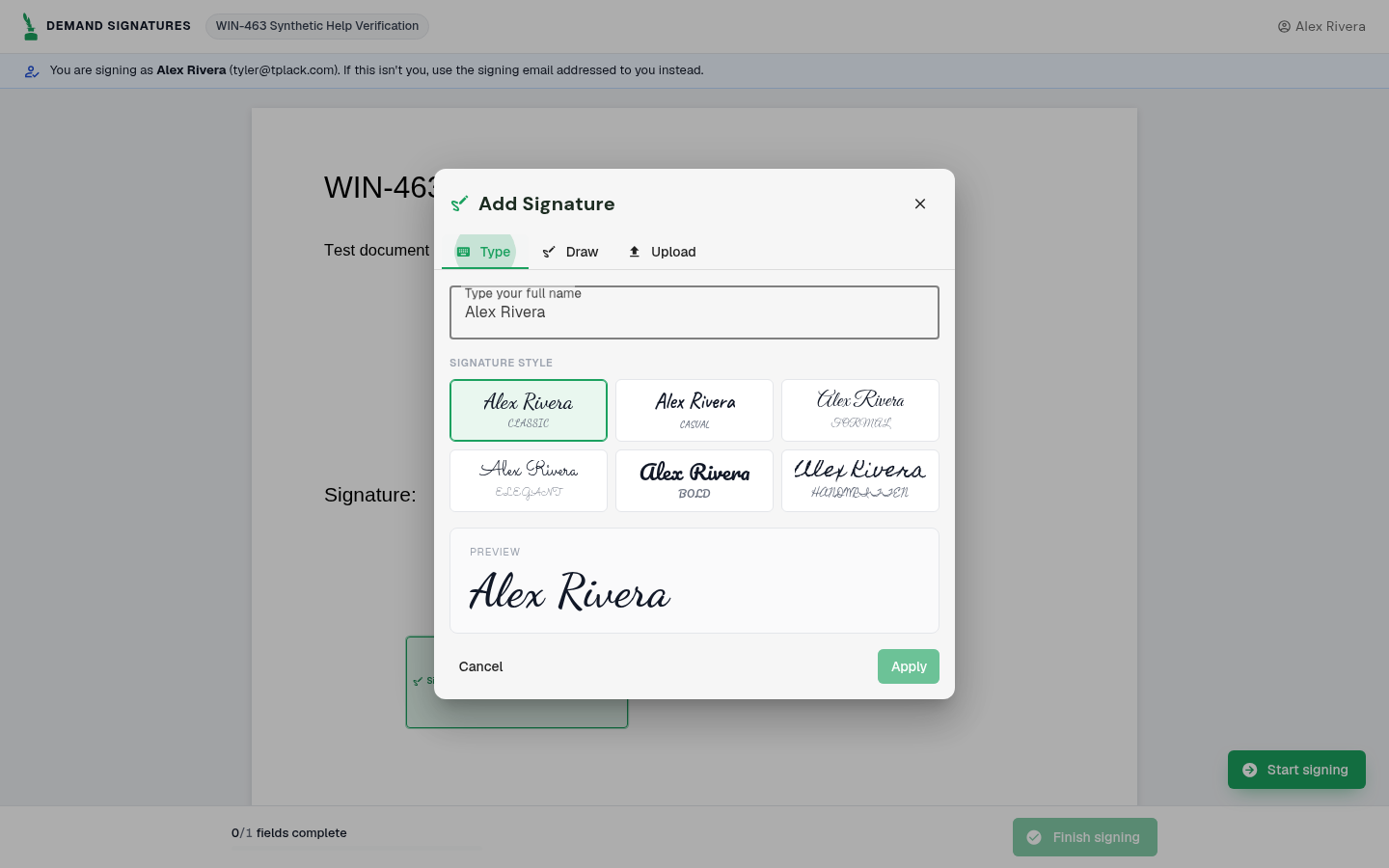
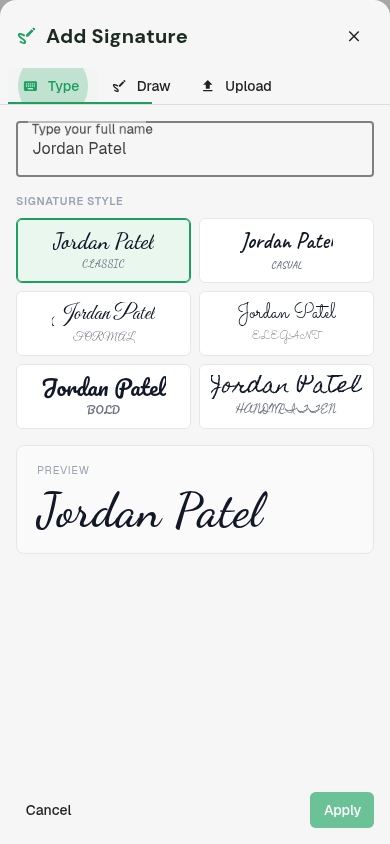
- Select your signature field. To type a signature, choose Type, enter your full name, check the preview and select Apply. Complete the remaining required fields assigned to you.
- Select Finish signing once required fields are complete.
- Review the confirmation and select Sign document only when you intend to sign.
- Wait for the success screen. If an error appears, save its wording and contact the sender.
Screenshots#