
What should I include in an integration support request?
Describe the integration goal or failing request without sharing credentials, signing links or document contents.
Updated
Describe the integration goal or failing request without sharing credentials, signing links or document contents.
Steps#
- Identify the application you are connecting and your organization’s plan.
- For a failure, include the action attempted, timestamp with timezone and HTTP status if available.
- Include a sanitized error message or request identifier, excluding authorization headers and private payloads.
- Say whether the problem affects every request or a specific operation.
- Open the support form, enter your name and email, and select API & Integrations under Issue Category.
- Add a subject and your sanitized details under Describe your issue. Ask for the current documentation and setup route if these are unclear. Review the form before submitting; never attach credentials or private document contents.
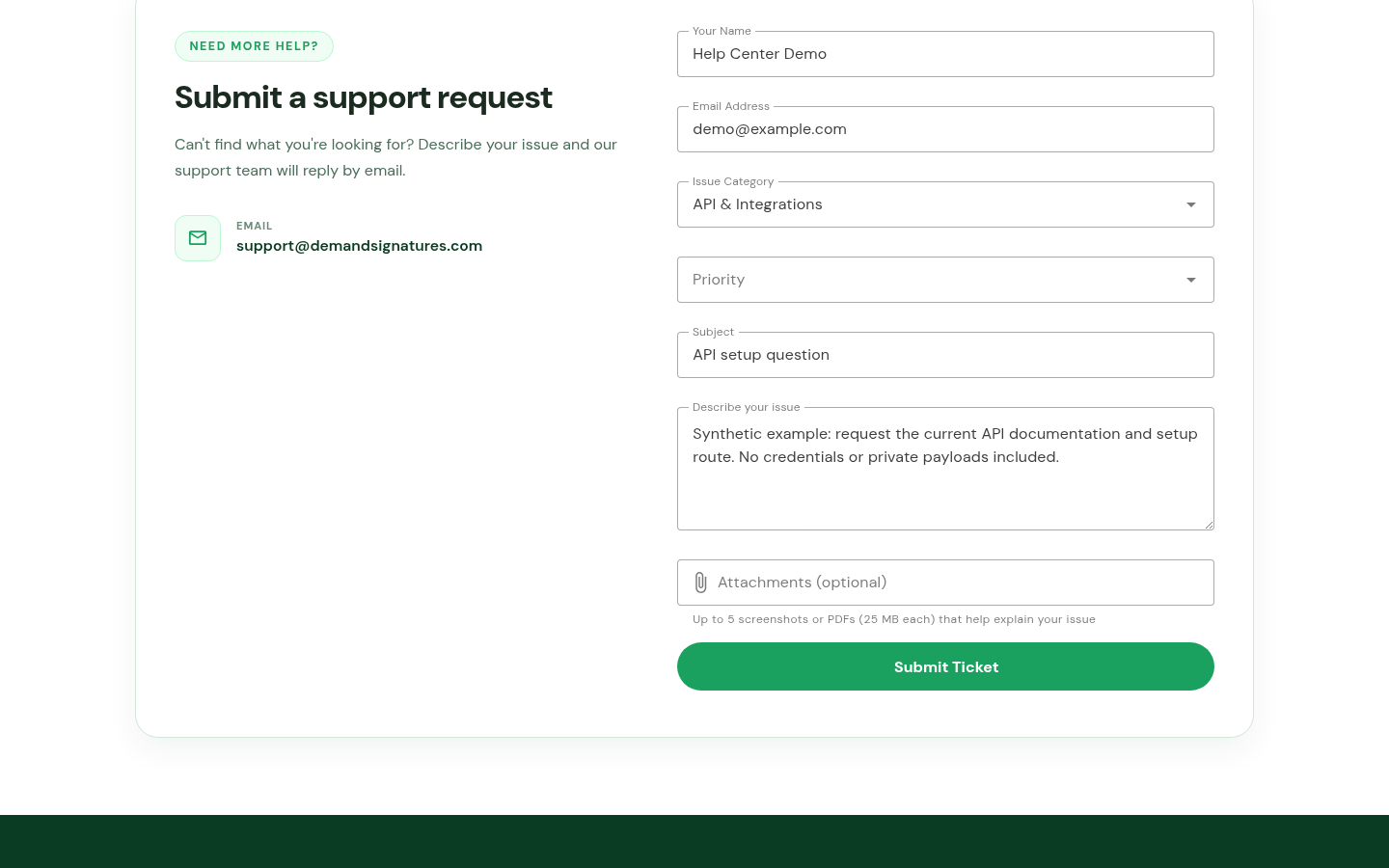
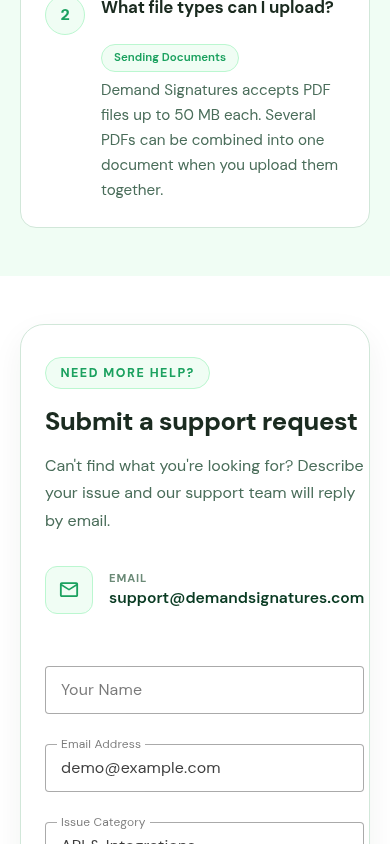
The form above shows a prepared example. It does not confirm API provisioning or ticket delivery.
Related: Sign in · Prepare a support request.