
How do I check whether API access is available for my plan?
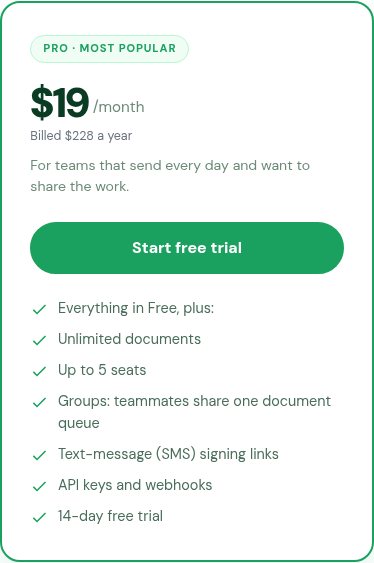
The public pricing page lists API keys and webhooks under Pro, while Enterprise includes everything in Pro. Confirm the setup route before building an integration.
Updated
The public pricing page lists API keys and webhooks under Pro, while Enterprise includes everything in Pro. Confirm the setup route before building an integration.
Steps#
- Open Pricing and find API keys and webhooks under Pro. Enterprise lists Everything in Pro, plus.
- Check which plan your organization currently has.
- Submit a support request describing the integration you need and asking for current API documentation and the access-provisioning route.
- Wait for confirmed instructions before building against an assumed endpoint or authentication method.
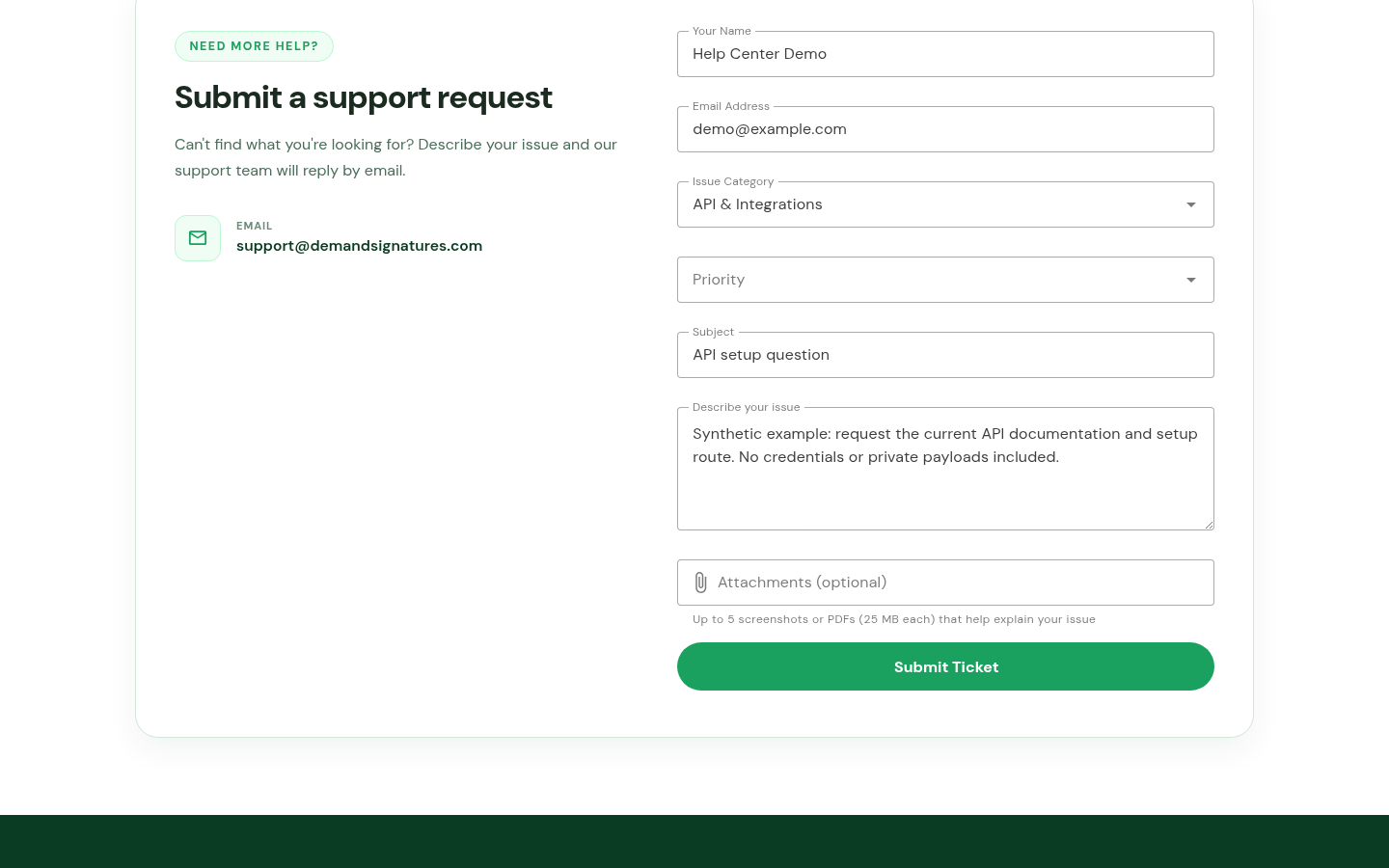
The form above shows a prepared example. It does not confirm API provisioning or ticket delivery.
Related: Sign in · Prepare a support request.