How do I create a document from a saved template?
Use a saved template to create a document with recipients assigned to its roles. Review the resulting document before sending.
Updated
Use a saved template to create a document with recipients assigned to its roles. Review the resulting document before sending.
Steps#
- Open Templates and select Use beside the template.
- Enter the Document title; add an email subject and message if needed.
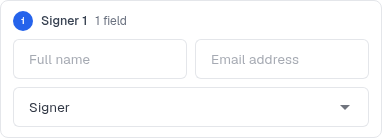
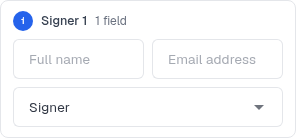
- Enter each role’s recipient name and email address.
- Check the preview and role assignments.
- Select Create document, then review the resulting draft and its fields before sending.
Screenshots#