How do template roles map to recipients?
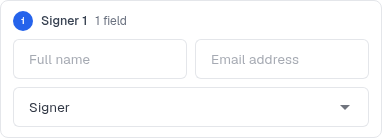
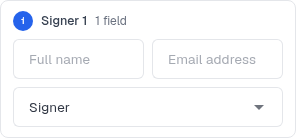
Template fields belong to roles. When you use the template, fill in the recipient for each role shown.
Updated
Template fields belong to roles. When you use the template, fill in the recipient for each role shown.
Steps#
- While creating a template, check Role before placing a field. The default role is Signer 1.
- Place each field for the role that should complete it.
- When you select Use, check the recipient slot for each role.
- Enter that person’s name and email address.
- Review the generated document before sending to confirm that the fields belong to the intended recipients.
Screenshots#