How do I create a reusable template?
Create a template from a PDF, place fields for roles, and save it for reuse.
Updated
Create a template from a PDF, place fields for roles, and save it for reuse.
Steps#
- Open Templates and select Create Template.
- Use Browse files to select a PDF and enter a Template title.
- Select Next: place fields. Check Role (the default is Signer 1), then select Signature.
- Click the PDF where the field belongs. Check that it appears under Placed fields for the intended role.
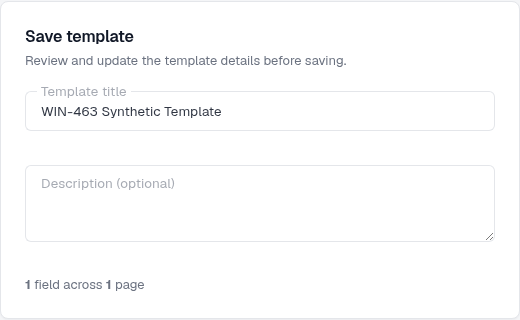
- Select Next: save, review the template and select Save template.
Screenshots#