How do I check signing progress?
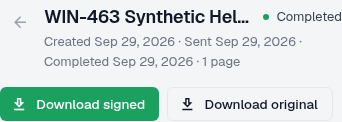
Open the document to check its status, recipient progress and recorded activity.
Updated
Open the document to check its status, recipient progress and recorded activity.
Steps#
- Open the document from your document list.
- Read Status in Details.
- Review Recipients to see the progress shown for each person.
- Expand Activity for recorded events; use Load more when offered.
- If progress seems incorrect, give support the document identifier and the time you checked.
What to record for support#
Before opening a support request, note the document status, the affected recipient’s displayed progress and the most recent relevant activity. Include the time and timezone when you checked, but do not copy a private signing link into the request.
Screenshots#