How do I send a signing reminder?
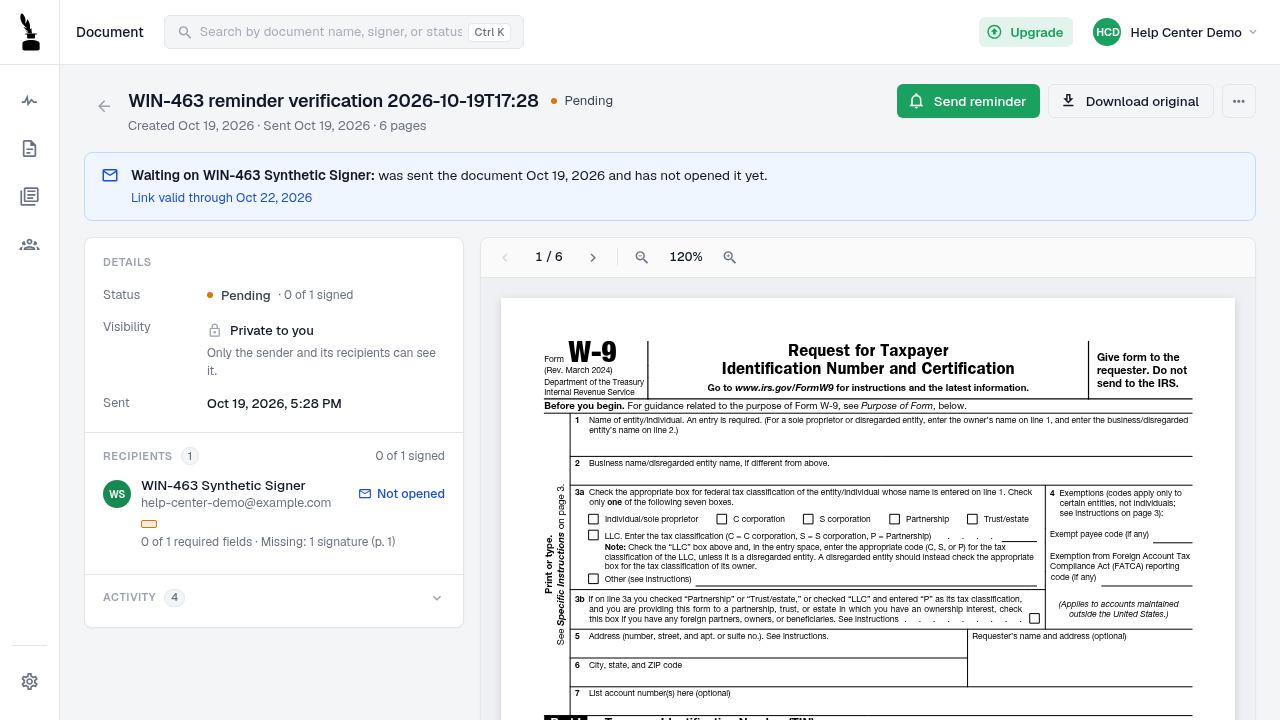
A document owner can use Send reminder on a pending document.
Updated
A document owner can use Send reminder while a document is pending. Demand Signatures confirms when it accepts the reminder request, but that confirmation does not prove the message reached the recipient's inbox.
Steps#
- Sign in and open Documents.
- Open the document with a Pending status.
- Check the recipient list to confirm who has not completed signing.
- Select Send reminder at the top of the document page.
- Wait for the confirmation message. If the request fails, record the error instead of repeatedly selecting the button.
- If the recipient still cannot proceed, ask for the error wording without asking them to forward their signing link.
Screenshots#