How do I download the original document?
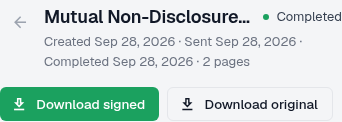
Download original requests the original file; it is separate from the completed signed copy.
Updated
Download original requests the original file; it is separate from the completed signed copy.
Steps#
- Open the document you want to download.
- Select Download original.
- Open the saved file and confirm its title and pages.
- For a completed signed copy, use Download signed instead.
Which download should I use?#
Use Download original when you need the file that was uploaded. Use Download signed only when you need the completed copy. Keep the two files clearly named so you do not send or store the wrong version.
Screenshots#