How do I add signers to a draft?
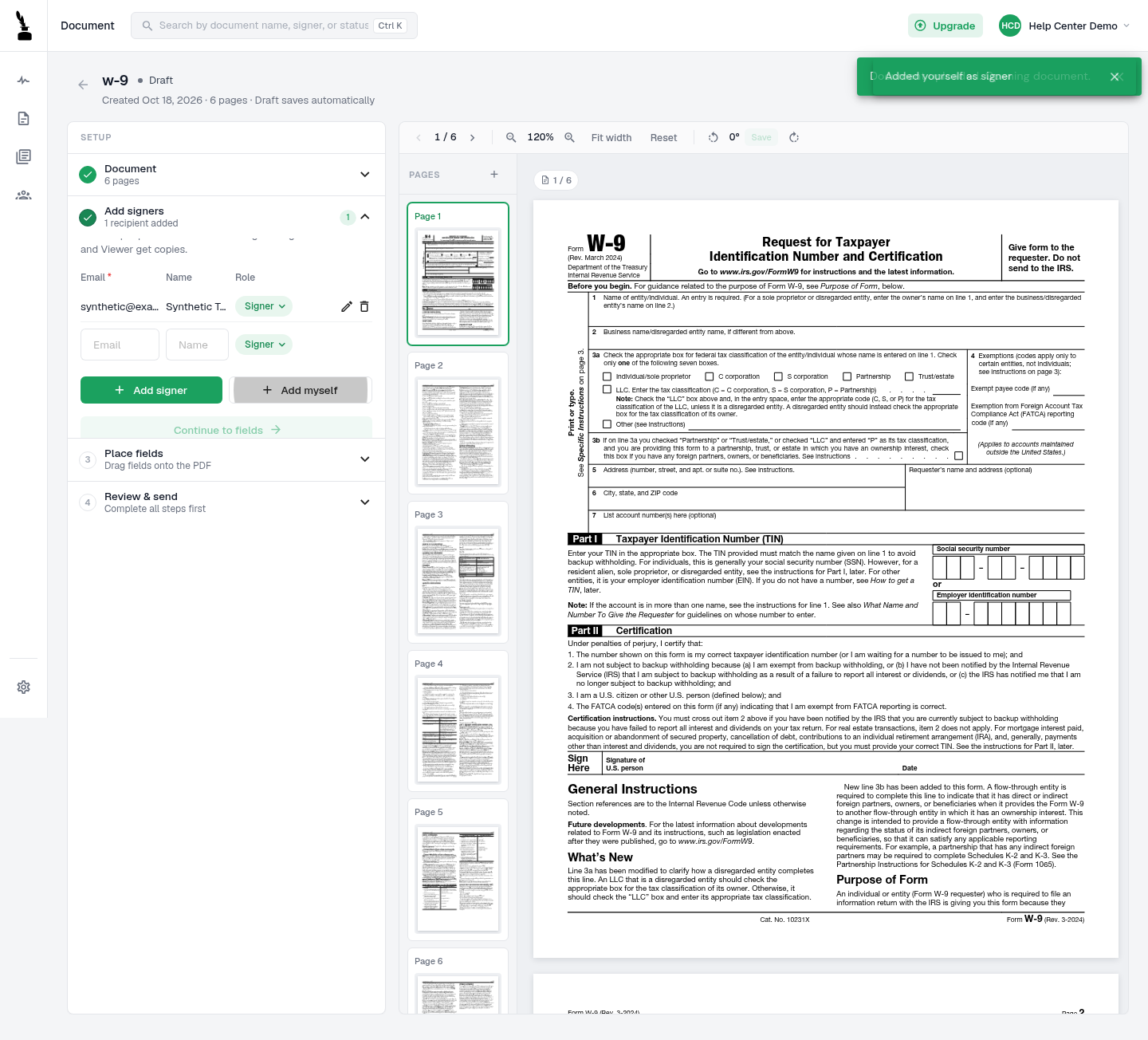
Add each signer to the draft before placing that person’s fields.
Updated
Add each signer to the draft before placing that person’s fields.
Steps#
- Open a draft document that you own.
- Open Add signers.
- To add another person, enter their email and name, keep the Signer role selected, and select Add signer. To include your own account instead, select Add myself.
- Check the recipient count, addresses and roles. Continue to fields becomes available after you add a signer.
- Place each field for the correct signer before you review and send the document.