
Docusign pricing for two to five senders: calculate the annual bill
A sender-count worksheet for comparing Docusign quotes, billing commitments and envelope allowances with a flat five-seat plan.


A five-person business does not necessarily need five paid sending accounts. Before comparing signing subscriptions, list the people who actually prepare and send agreements. Keep customers who only sign out of that count. Then price the same number of senders over the same commitment period.
This worksheet is for a small business comparing a Docusign eSignature Standard quote with Demand Signatures Pro. It is not a comparison of every capability in the two products.
Start with the commitment, not the headline
On 27 September 2026, Docusign's US pricing page showed Standard at $30 per user per month with an annual commitment of $360 per user. The page describes that option as annual, billed monthly. Monthly collection does not make the contract month-to-month.
The table uses that published annual commitment and Demand Signatures Pro at $228 billed annually. USD; taxes, optional services and negotiated discounts are excluded.
| Actual senders | Docusign Standard annual commitment | Demand Signatures Pro annual payment |
|---|---|---|
| 2 | $720 | $228 |
| 3 | $1,080 | $228 |
| 4 | $1,440 | $228 |
| 5 | $1,800 | $228 |
For a hypothetical three-person agency where only two people send agreements, use the two-sender row. Counting the third person would inflate the comparison. Demand Signatures also offers Pro month-to-month at $24; twelve monthly payments total $288, rather than the $228 annual offer.
Check the unit before checking the allowance
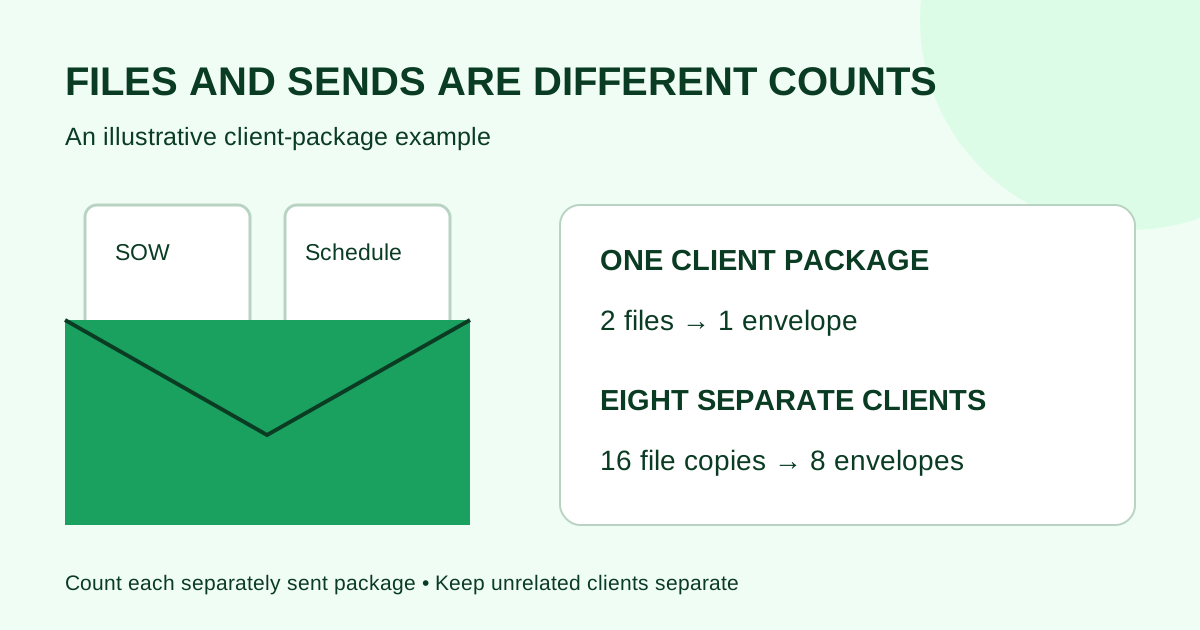
Docusign's published Standard annual allowance is up to 100 envelopes per user per year. An envelope can contain multiple documents. Demand Signatures Pro includes unlimited documents and up to five seats. These are different units; do not divide one allowance by the other to manufacture a saving.
For your own estimate, take a recent representative month and record:
- How many separate requests each sender sent.
- How many files went into each request.
- Which requests needed a resend or correction.
- Whether a busy season would materially change those counts.
Ask the vendor to confirm the applicable allowance and any additional charges in writing. Do not assume that an older contract, an enterprise quote and a self-service plan have identical terms.
Give required features a pass or fail
Price is only useful after the workflow fits. Write down requirements such as approval routing, a particular integration, identity checks, records export or contractual security requirements. Test each requirement before committing. A lower subscription bill does not compensate for a missing requirement.
Demand Signatures Pro includes templates, sequential or parallel signing, API keys and webhooks, an audit log and a completion certificate. That list is not evidence of feature parity with Docusign. Keep any capability you have not tested marked “unconfirmed.”
Use this buying note
We need ___ people to send documents. Our expected usage is ___. The quote commits us for ___ months and totals ___ before tax. The allowance unit is ___. We have tested ___ and still need an answer about ___.
Recheck the vendor page and checkout terms before purchasing; the figures above are a dated observation, not a guaranteed quote.
Next step: review Demand Signatures' monthly and annual Pro options with your actual sender count beside you.

Comments
Questions and notes from readers. Every comment is reviewed before it appears.
Comments are unavailable right now. Please try again later.
Leave a comment